
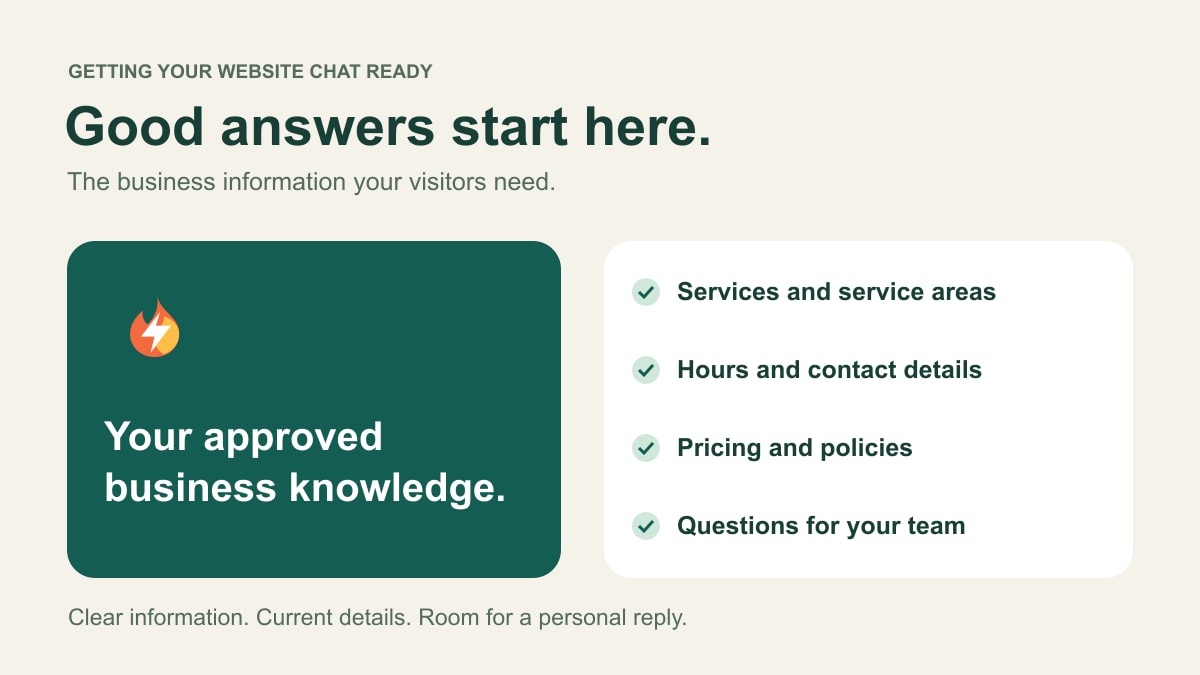
An AI website chatbot needs accurate information you are comfortable sharing with visitors, plus clear boundaries for questions that need a person. For AMP Spark Pro, that can include website pages, uploaded documents, and business notes your team reviews and publishes as knowledge.
You do not need to write an answer to every possible question. Start with the things you explain regularly, make the important facts specific, and keep them current.
Explain what you do—and what you do not offer
List your services in the language a customer would use. A cleaning business might distinguish recurring home cleaning, first visits, and office cleaning. A photographer might explain portraits, events, and commercial work.
Include relevant exclusions. If a business does not handle a certain type of job, the chatbot needs that approved information too. A broad phrase such as “complete property care” can leave important details unclear.
Keep business examples separate from your actual service list. Only publish offerings that your business has approved.
Make your service area and hours specific
Provide the towns, areas, or other boundaries you actually serve. Explain how to handle a location outside that area: should the visitor ask your team, or is the service unavailable there?
List your normal hours and important exceptions. Distinguish office hours from the times you deliver a service, and say how visitors should contact you. Avoid promising a response time unless your team can support it.
For a remote consultant or freelancer, explain whether location or time zone affects the work. For a business with a physical location, include the visitor-facing address and any approved arrival instructions.
Decide what you can say about pricing
Publish fixed prices only when they are current and apply to the described service. If you use a starting price or range, explain what it covers and what can change the amount.
If every project needs a custom quote, say that plainly. Explain what information your team needs before quoting, rather than asking the chatbot to invent a price. An inquiry about a project is not an approved estimate.
For example, a landscaper might explain that property size and requested work affect a quote. A designer might describe the process for discussing scope before proposing a price. Use your own approved process, not an example copied from another business.
Describe what happens next
Visitors often need help understanding the process before they contact you. Useful information includes:
- How to request a consultation, estimate, or first visit.
- What details your team needs to review the request.
- Any preparation visitors should complete.
- Published cancellation, rescheduling, or other relevant policies.
- Which questions require a personal reply or confirmation.
Keep those policies consistent across your website, documents, and notes. If two sources disagree, resolve the difference rather than expecting the chatbot to choose the policy you intended.
Start with the questions you already answer
Think about recent phone calls and inquiries. Which questions could you answer from a short, approved explanation? Which needed a conversation about the person’s situation?
A useful starting set might cover service fit, location, preparation, general pricing process, and how to begin. Write answers in plain language. Short, specific information is easier for your team to check and keep current than a long document full of unrelated material.
A freelance portfolio can follow the same approach: explain the work you take on, how a project starts, and what needs a personal discussion. Do not publish private client arrangements as general policies.
Review the information the chatbot will actually use
AMP Spark Pro lets your team review imported text, maintain published sources, and pin important corrections. Website imports refresh daily so changed pages can be brought into the knowledge base. Review important changes rather than treating an import schedule as proof that every fact is correct.
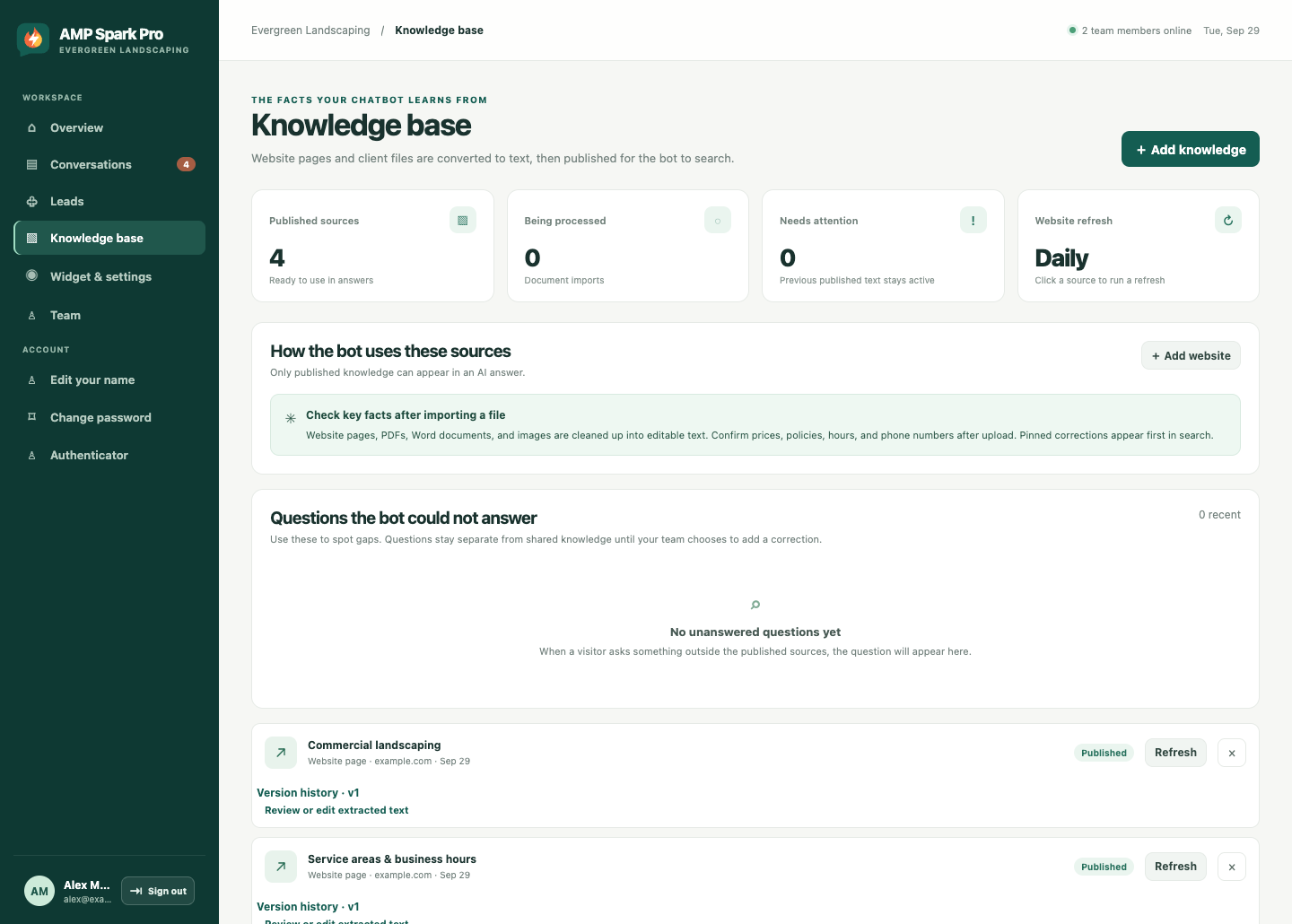
Give particular attention to prices, hours, service areas, phone numbers, and policies. Keep private maintainer instructions, passwords, internal pricing, and customer records out of visitor-facing knowledge. A document being available to your team does not make all of its contents appropriate for the chatbot.
Set a clear boundary for unanswered questions
Some answers belong with a person. That can include a custom quote, an exception to a policy, a date that needs confirmation, or a request outside the published information.
AMP Spark Pro leaves questions outside its published knowledge for your team to follow up and shows unanswered questions in the dashboard. Review those gaps. Add an approved answer when the information should be available generally; keep individual decisions with the person responsible.
Then check a few realistic visitor questions. Include one whose answer is missing and one that asks for a promise your business cannot make automatically. Reviewing those situations helps you identify unclear information before relying on the chatbot for everyday inquiries.
What should you send us to get started?
Send your website address, the service information you want visitors to use, your common questions, and any important corrections or exclusions. Tell us which requests should come back to your team.
We can help put that information into a managed website chat service, with contact capture and tools for reviewing and following up on inquiries. You remain the source of truth for your business details.
Tell us about your website or explore AMP Spark Pro’s features. To see the information in context, read what an after-hours website visit could look like.